Software · CAD Studio
CAD Studio
CAD in the browser, built for engineering teams.
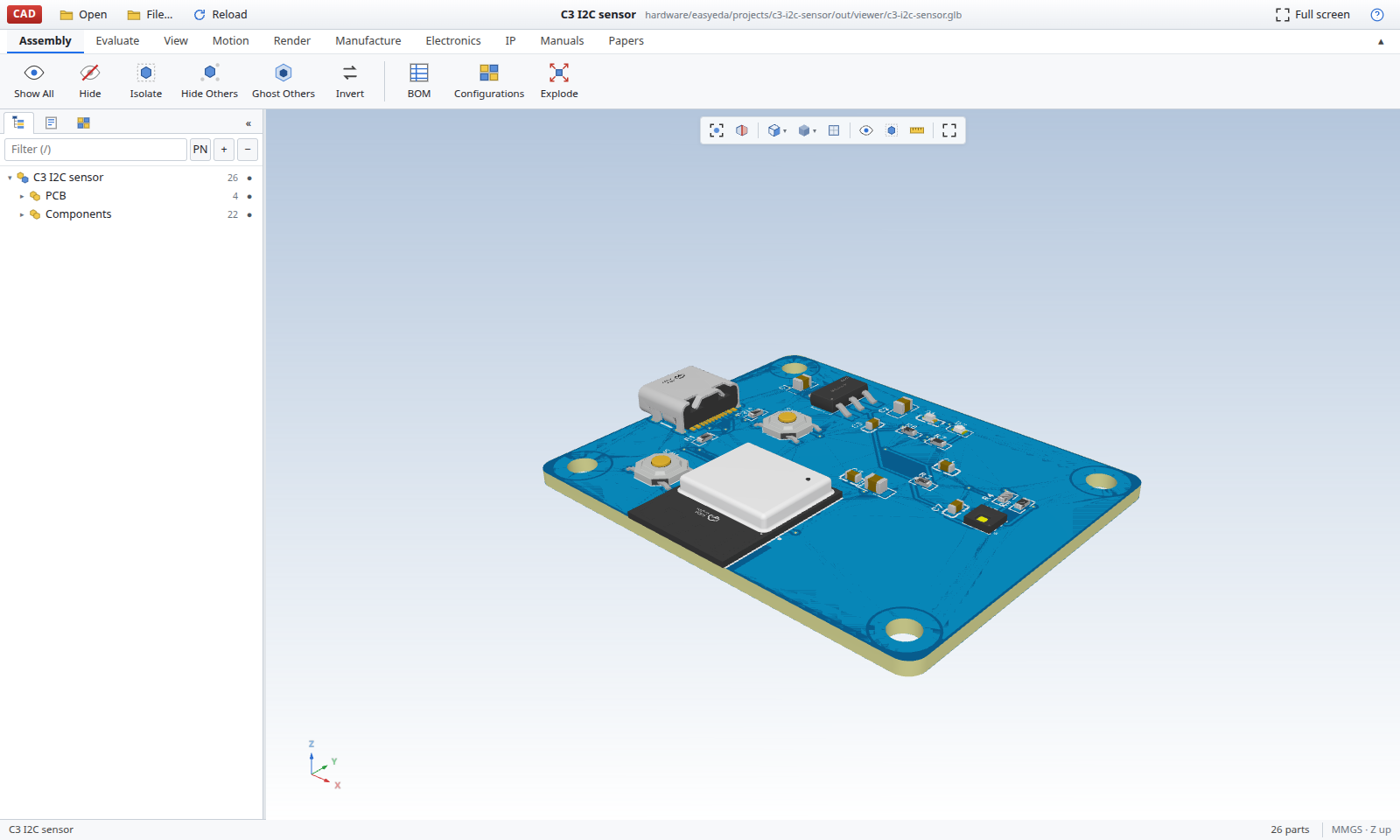
CAD Studio is a browser-based workspace for opening, inspecting and sharing 3D engineering models. Work with designs, drawings, bills of materials, motion studies and manufacturing files in one place, without installing CAD software.
Who it is for
Engineering Teams
Share models with engineers and reviewers across your organisation.
Workshops
Receive drawings and manufacturing files together in one download, ready for workshop use.
Researchers and Students
Share and review CAD models without installing software on every computer.
What it does
Model Inspection
Open GLB, STEP and STL files from your computer, a cloud drive or a git repository. Inspect assembly trees, hide or isolate parts, use ghost views and section or exploded views, measure geometry and inspect part properties.
Parts and Configurations
Manage part numbers, bills of materials and multiple configurations of the same product. Export bills of materials for further use.
Drawings and Manufacturing Packs
Get a drawing sheet for each part and download the drawings alongside STEP, STL and DXF files in one pack. Keep the files together for workshop use.
Motion and Simulation
Add motors to parts, define gear mates and play mechanisms on a timeline. Record motion studies as video, render the current view and inspect finite-element results displayed as colour maps on parts.
Electronics and Documentation
View electronics boards in a PCB view. Render product manuals and technical papers to PDF or Word alongside the design.
Automated Build Jobs
Run a design's own scripts to rebuild its models on your organisation's own machine. Return the results to the library for review.
Access
CAD Studio is currently available by request. Anyone can ask for access, and each new organisation is approved individually. Members access the application at cadstudio.cseco.co.ke.